MCA portal is a one-stop portal for all the company functions. Whether it’s about application for company incorporation, checking the name availability, checking company documents, dissolution of the company or checking the company registration status, each and every function of the company can be performed from the MCA portal itself.
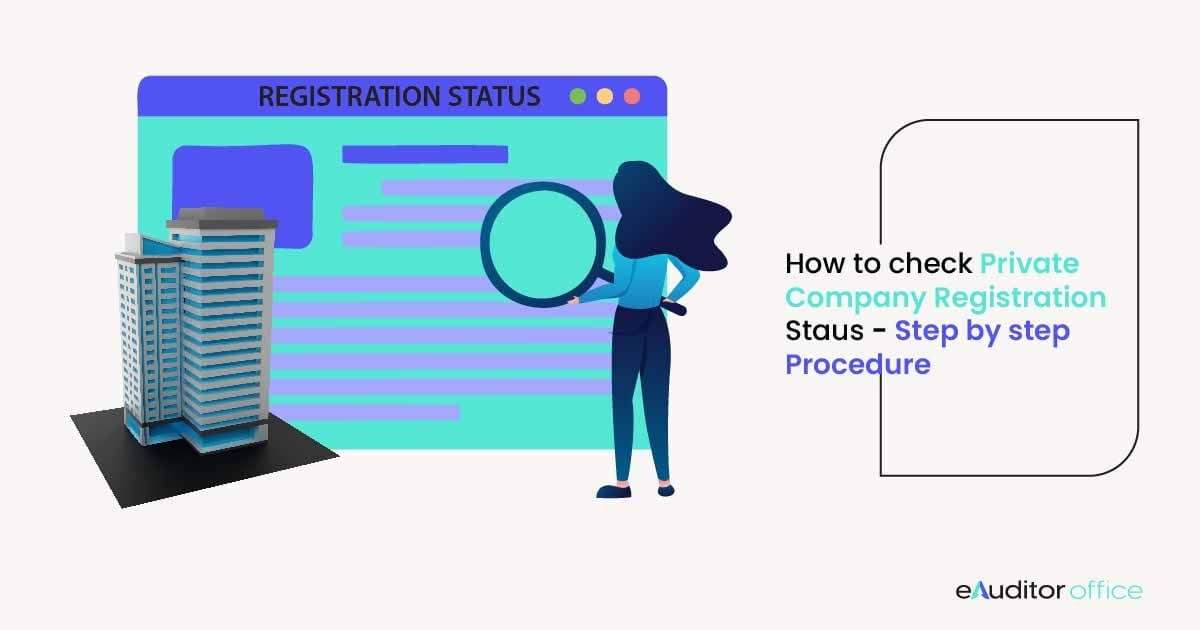
Many a time, people want to know the registration status of companies, usually private limited companies in order to confirm their existence. However, how to check the status of your private limited company registration? Let’s find out!
Checking the Registration Status of Private Company
It is simple to check the registration status of private limited company. Just follow the below steps:
- Visit the MCA portal.
- You will be displayed a complete list of all the companies registered with that name along with their CIN, state, incorporation date and the company name status. Copy the CIN of the company whose details you are willing to know.
- This time, after visiting the ‘View Company / LLP Master Data’, enter the CIN instead of the company name. Enter the captcha and click on the ‘Search’ button.
- The following details of the company will become available on the website:
- CIN
- Company name
- ROC (Registrar of Company) code
- Registration Number
- Company category
- Company sub-category
- Class of the company
- Paid up capital
- Number of members
- Date of incorporation
- Registered address of the company
- Address other than registered office where all or any of the books of account and/or papers are maintained
- Email ID
- Whether the company is listed or not
- ACTIVE compliance
- Whether the company is suspended at the stock exchange
- Date of Last Annual General Meeting (AGM)
- Date of the balance sheet
- Company status (for efiling)
- Details of charges
- Director or signatory details
In a Nutshell
If you want to check the registration status of a company, then just follow the above simple steps. You can also use the above method to check the registration status of your company you applied for. Once incorporation application gets approved, you receive an email confirmation of the same. You can proceed to the MCA portal and check the details using either the CIN or the company’s name. If you are finding it difficult to get the information of any company, then you can simply contact Auditor Office for assistance.